Microsoft as of August 31 2022 will retire all 1.x versions of Azure AD Connect because they include SQL Server 2012 components. If you check the MS Docs page here you’ll see that this will cause issues for anyone still running Windows Server 2012 / R2 as they only support v1.x for Azure AD Connect.
Microsoft states that you should upgrade to v2.0 by the above date or switch to Azure AD Cloud Sync, which is where the idea for this blog came from because as you can see below MSFT’s own documentation is a little misleading.
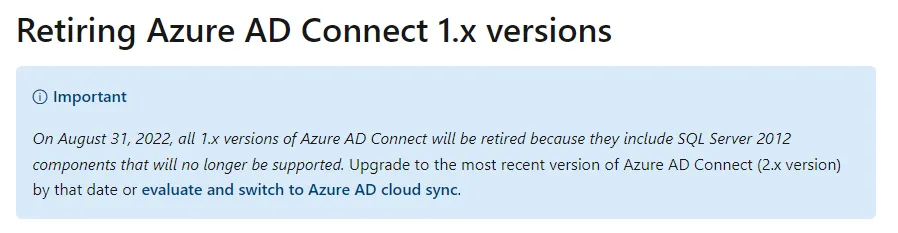
The above suggests (at least to me) that if you are running Server 2012 / R2 as your AD Connect server that you must look to either, upgrade to Server 2016 minimum and move to Azure AD Connect v2.x OR switch the Azure AD Cloud Sync, then I find this on the pre-requisites page for cloud sync.
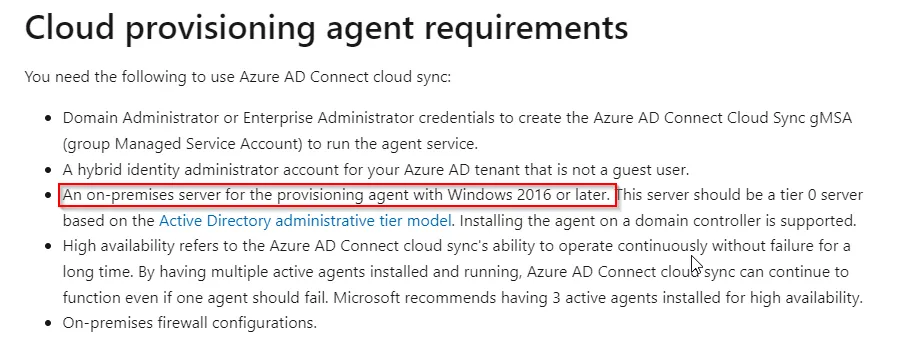
This to me is a little confusing as you might still have scenarios where an organisation is due to upgrade their servers based on the extended support date which in the case of Server 2012 / R2 is October 2023. So I thought I’d dig into a little and firstly confirm CAN Azure AD Cloud Sync run on Windows Server 2012 / R2 and how do we set it up? Without further ado, lets get into it!
TL:DR - If you’re here because you just want to know if it will run on Server 2012 / R2 the answer is Yes it will but only on 2012 R2! Server 2012 is not supported, see below.
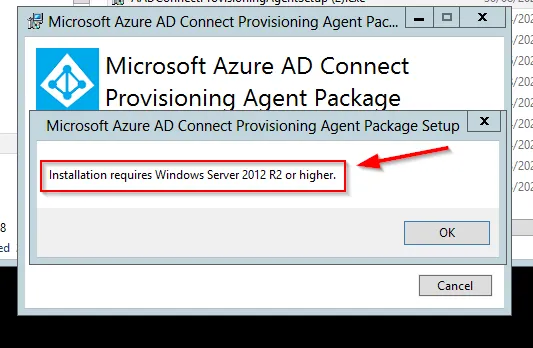
As with any new software installation, first thing to do is check the pre-reqs which can be found here: Prerequisites for Azure AD Connect cloud sync in Azure AD - Microsoft Entra | Microsoft Docs - Obviously in this case we are going to park the Server 2016 requirement, for testing purposes, of course ;D
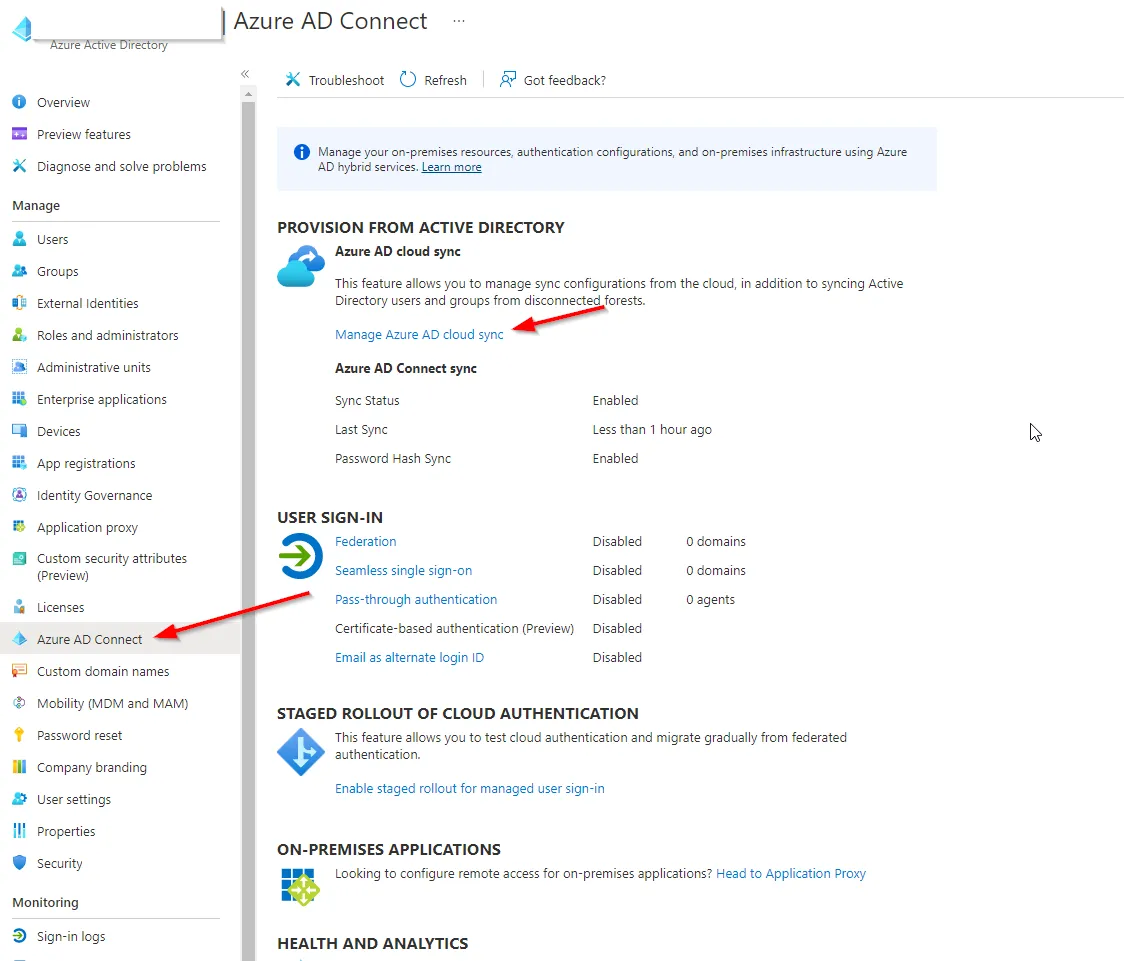
Once you’ve confirmed you meet all of the requirements for the above go ahead and sign into the Azure portal and head over to Azure Active Directory -> Azure AD Connect and select the link for Cloud Sync.
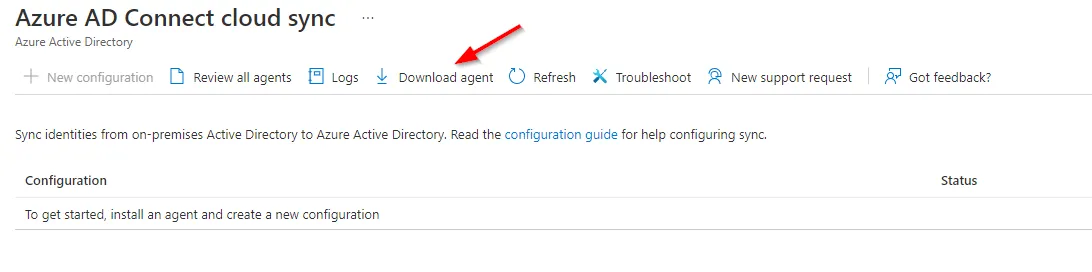
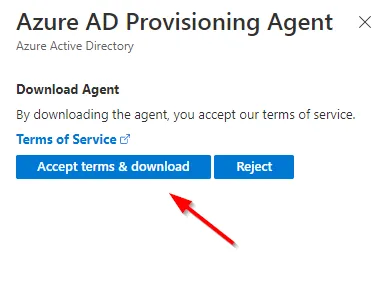
From here go ahead and download the agent and accept the T & C’s.
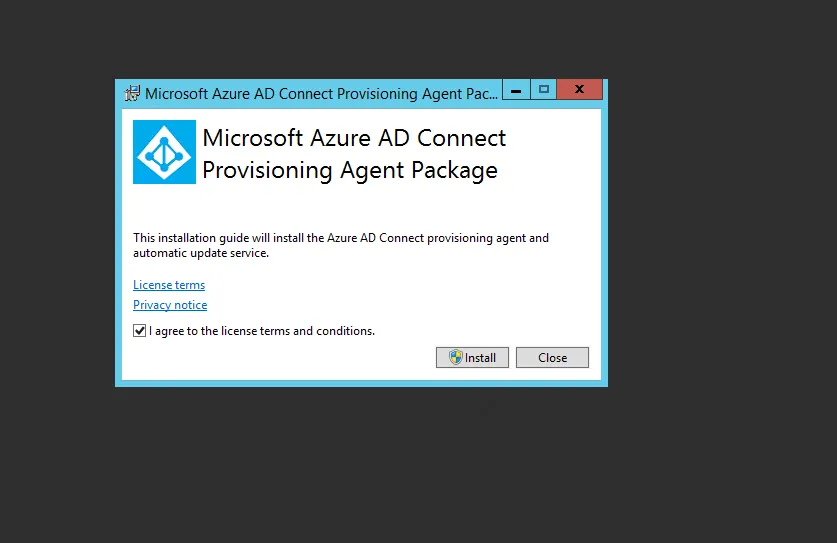
Go ahead and install the provisioning agent on your chosen member server, installation on domain controllers is supported.
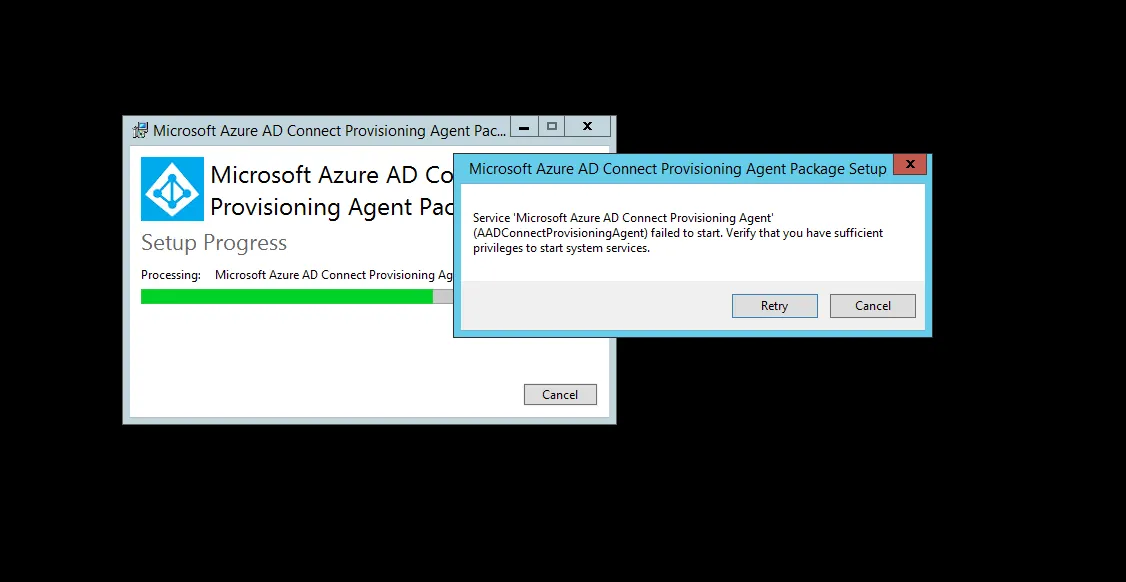
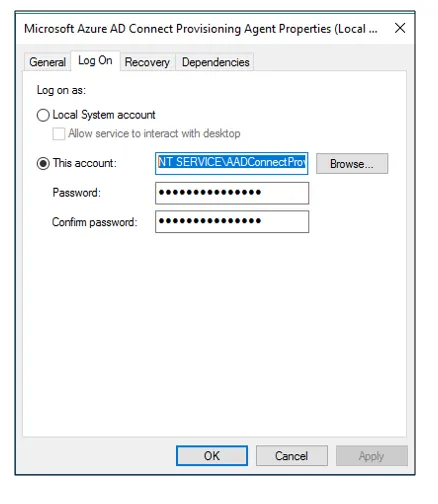
If like me during the install phase you get the below error then you will need to update the service **Microsoft Azure AD Connect Provisioning Agent **to a domain admin account, I would suggest creating a dedicated service account for this with a strong password.
After the installation finishes walk through the configuration wizard which will require you to input your Azure AD global admin account as well as your internal domain admin account which will be used to create the gMSA account required for the agent. You can use a custom gMSA account if you prefer.
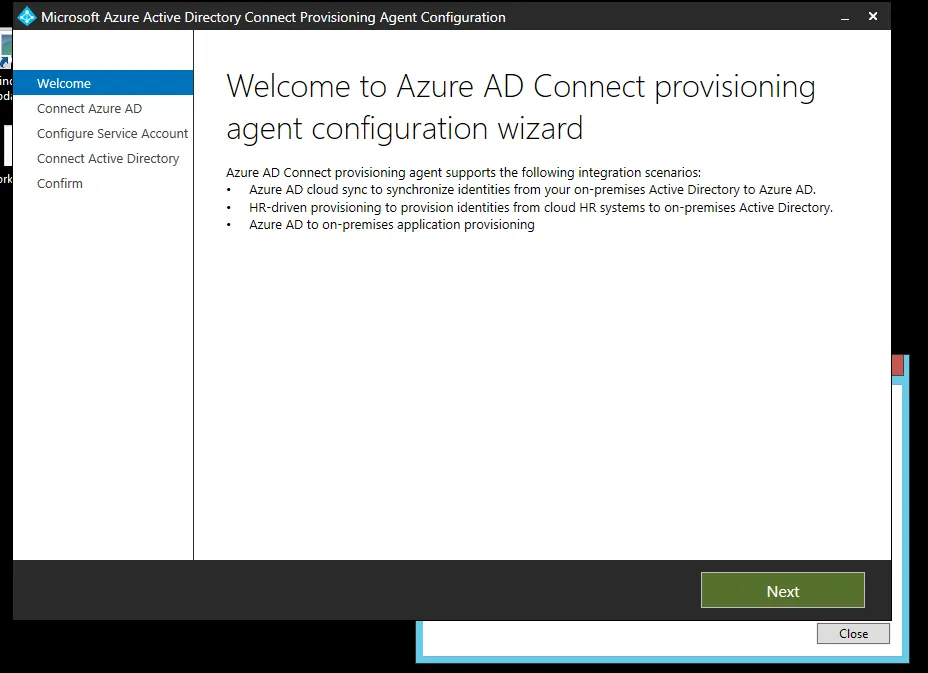
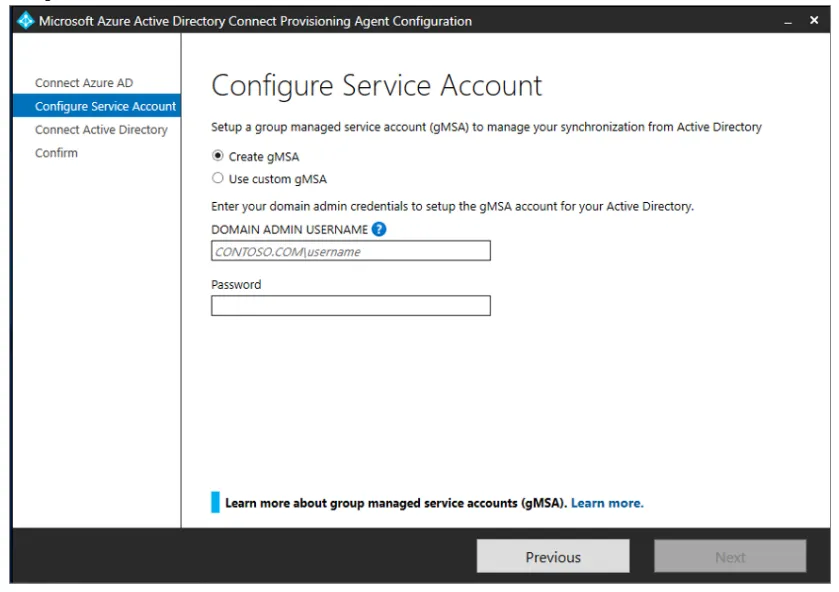
Confirm the agent configuration and let it finish the provisioning process.
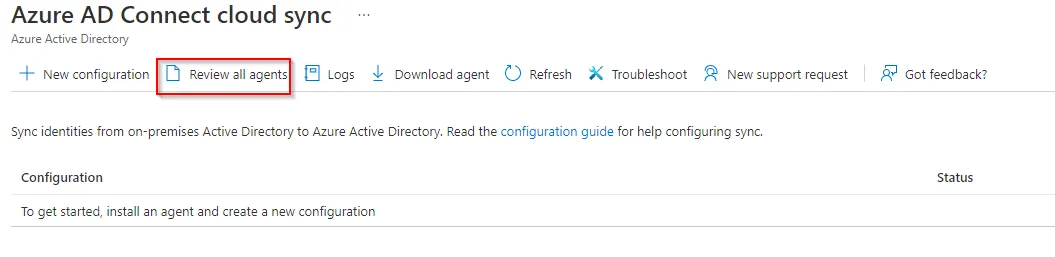
Once that done head back to the Azure portal to verify your agent install and create the cloud configuration.
Select Review all agents in the top tool bar.

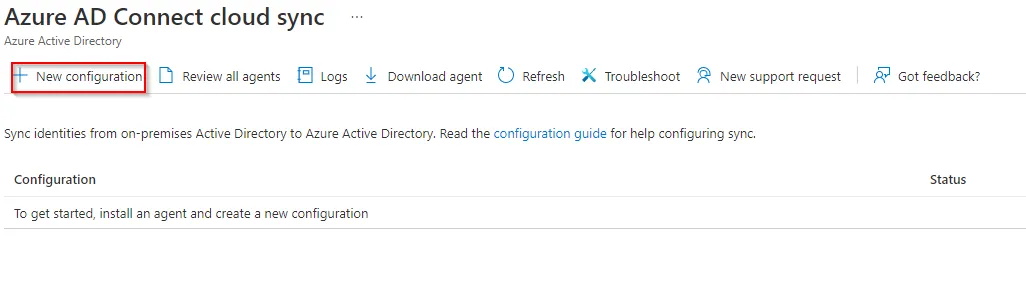
Great, now onto the config, select New configuration.
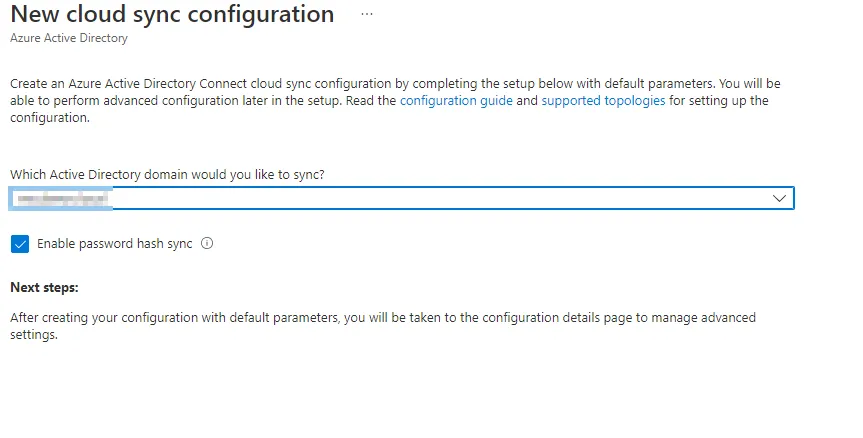
Select the domain you are looking to sync
Now go ahead and edit the provisioning configuration screen based on your requirements, in my scenario I am using specific OUs. A really handy feature of the cloud sync agent is the ability to validate your config before pushing the button on the whole sync.
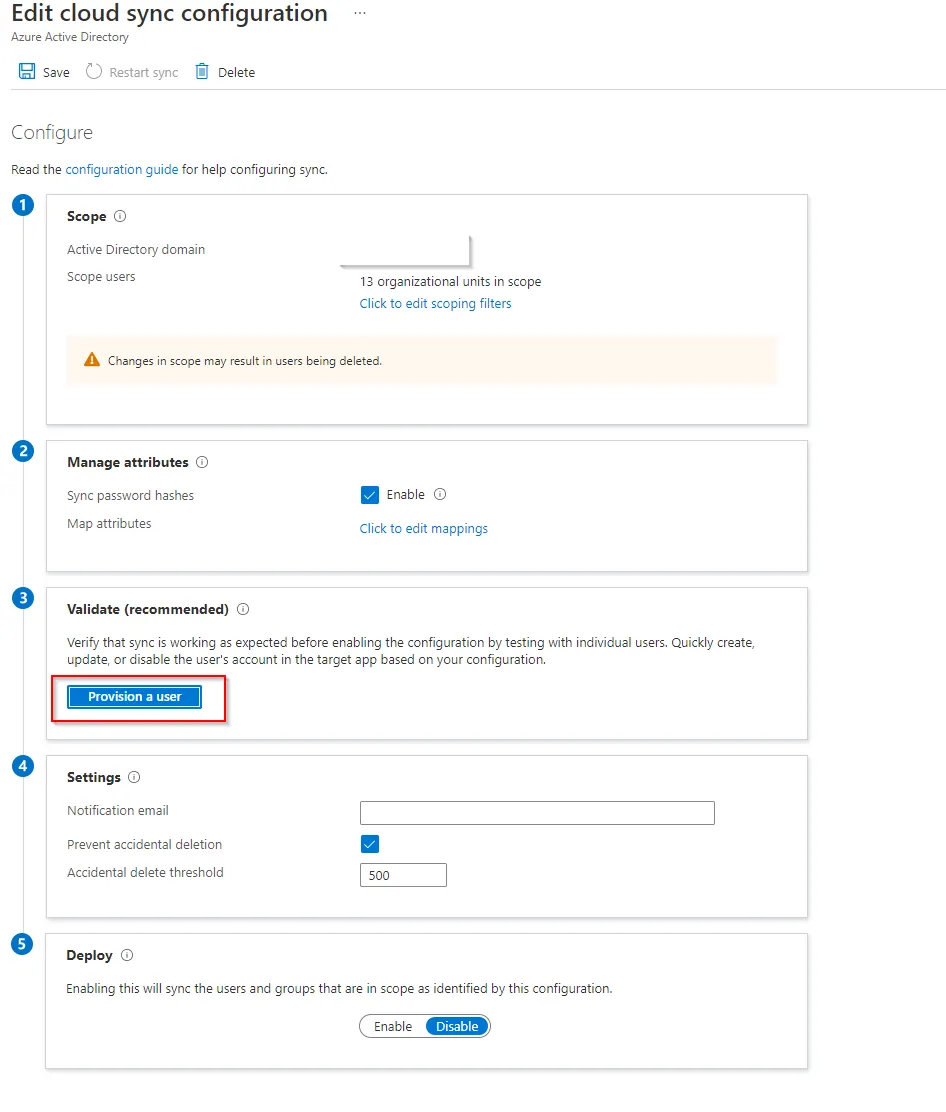
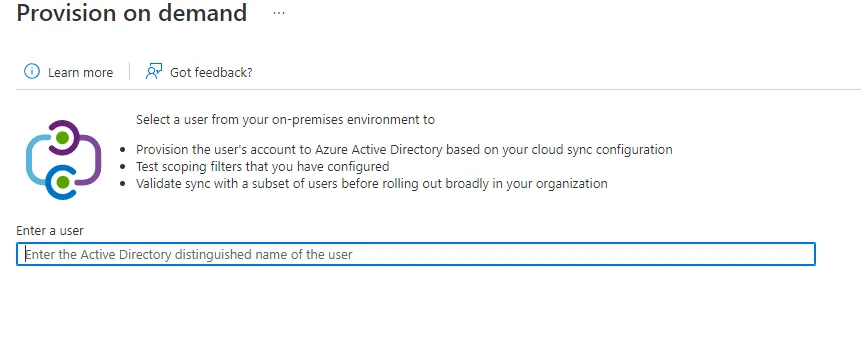
By entering the distinguished name or a user within your scope you can confirm if the user will provision correctly and map to any associated user accounts that already exist in 365, keep in mind however that this will actually provision the account not just check if it will work so I would suggest if you are unsure, to create a test user account for the first one you do.
Fill in the appropriate email address to be notified of any sync issues and choose an appropriate number of accidental deletions you would want to be notified about if that happened, then enable the sync when happy with your settings.
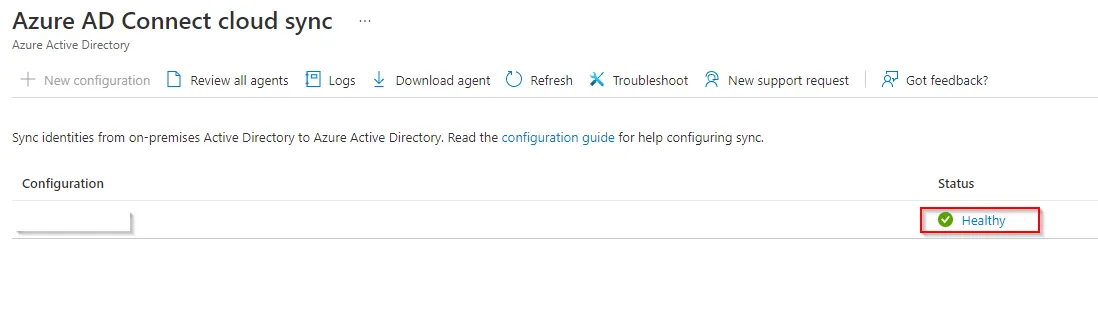
You should see the configuration showing as healthy once complete.
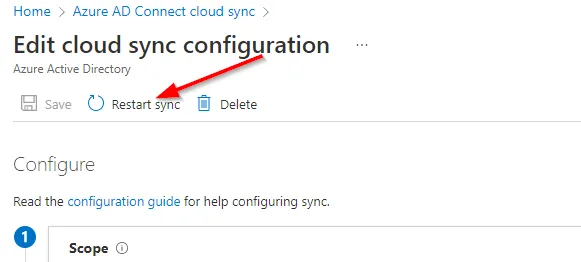
Forcing sync updates on a typical AD Connect setup used to be done using PowerShell on the local AD Connect server however this is done differently with cloud sync. In the event you need to force a sync through you would now do this from the Azure portal by selecting your configuration and then choosing to Restart sync.
I hope the above helped with concluding if the Azure AD Connect Cloud Sync agent will indeed work on Server 2012 R2 and also a brief overview on how to set it up.