Recently I found myself in a scenario where I needed to quickly and easily access a calendar from a Microsoft Teams group, I didn’t think anything of it, until I couldn’t find it! I reached out to the community and Sara Fennah came to the rescue on Twitter with the solution. I wanted to do a quick write up of it in case it helped someone else (and so I wouldn’t forget!), so here goes.
By default any Microsoft Team or Microsoft 365 Group does not have a calendar that is directly accessible in Outlook, by that I mean underneath the ‘All Group Calendars’ section.
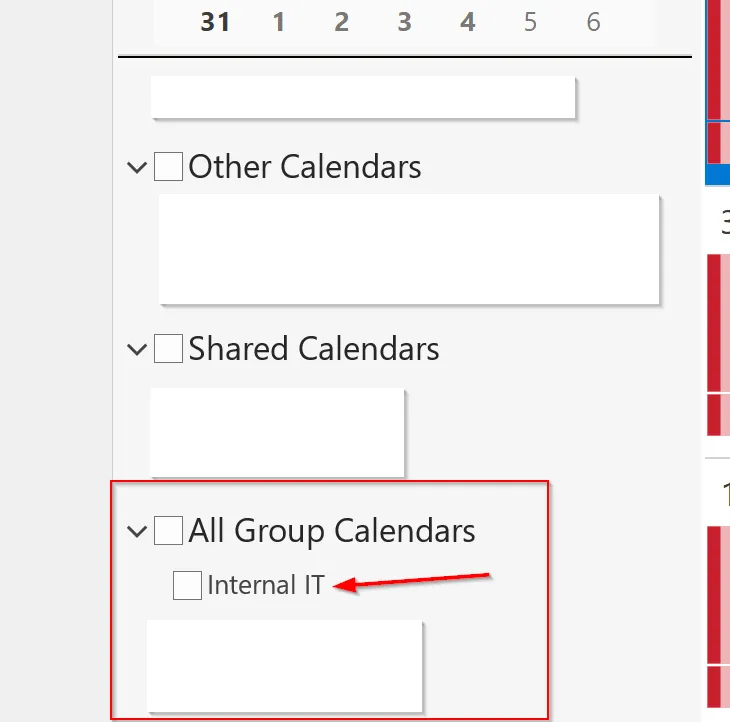
This can be remedied by a simple PowerShell command which after running, will make it available within Outlook for you to interact with the calendar as you would any other, lets go through the steps.
This works for both a standard Microsoft 365 Group or a Teams group, in this example I will create a Microsoft Team.
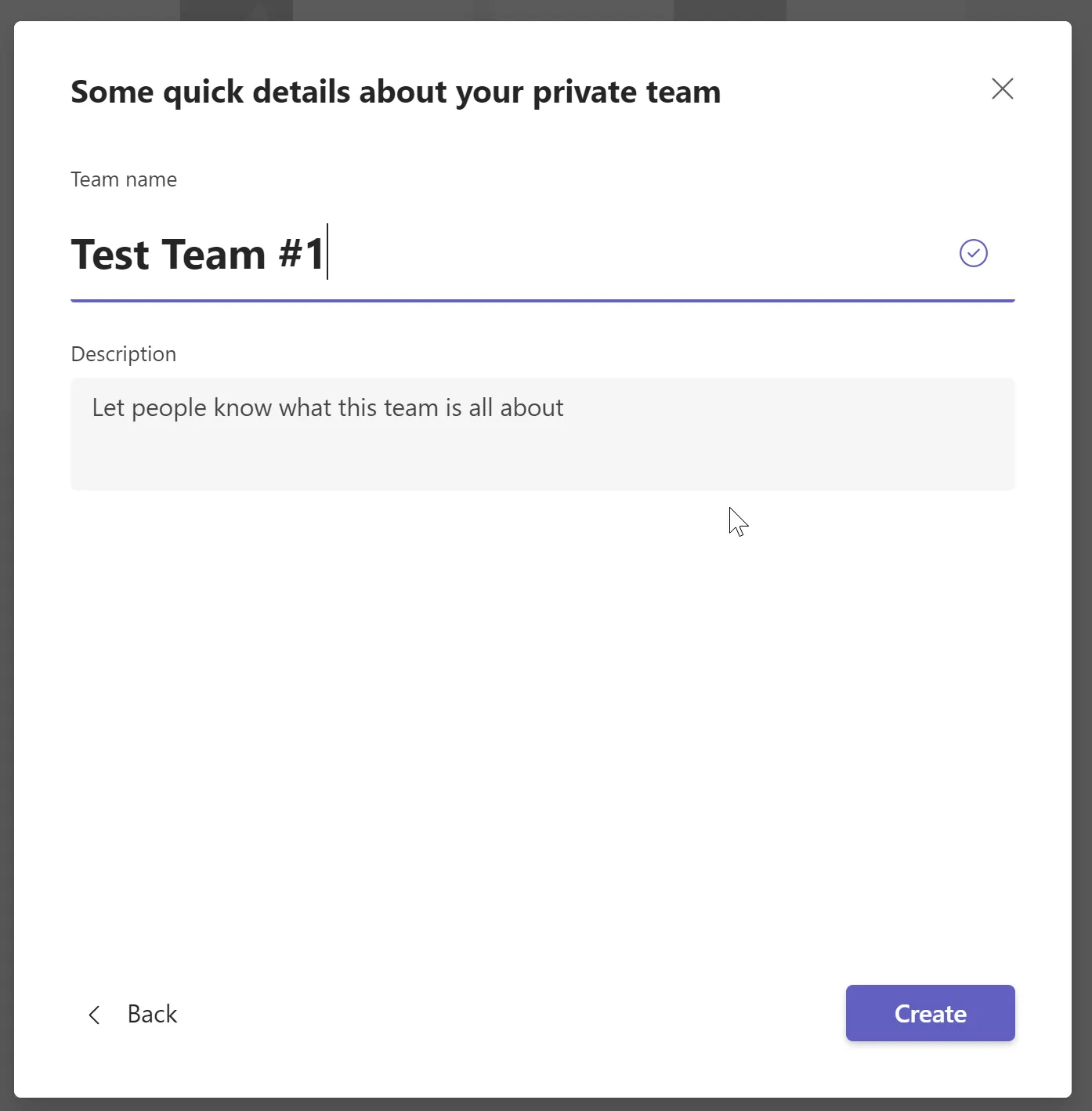
By default once you’ve created this Team you won’t be able to see the calendar in Outlook, first we need to connect to Exchange Online via PowerShell, so go fire that up!
Connect-ExchangeOnlineYou’ll need the name of your Team/Group, in my case this is Test Team #1
Now run the following command, replacing the group name with your group name.
Set-UnifiedGroup "Test Team #1" -HiddenFromExchangeClientsEnabled:$falseOnce that’s complete you should be able to see your group calendar underneath the ‘All Group Calendars’ section in Outlook, it can take a couple of minutes before it comes through.
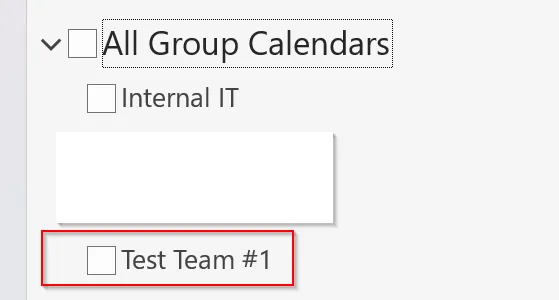
And there you have it! Super easy once you know how!